Local-first
No cloud processing required
The Standard generation workflow is designed to run locally, so the images you prepare stay on your machine.

Current development build
A local-first workflow for preparing images, planning CMYK material distributions, previewing color, generating geometry, and testing multi-material 3MF export.
CMYK / CMYKW · local-first · no required AI · 3MF export in active testing
In active development — beta not open yet. Details may change before release. Join the newsletter to follow progress.
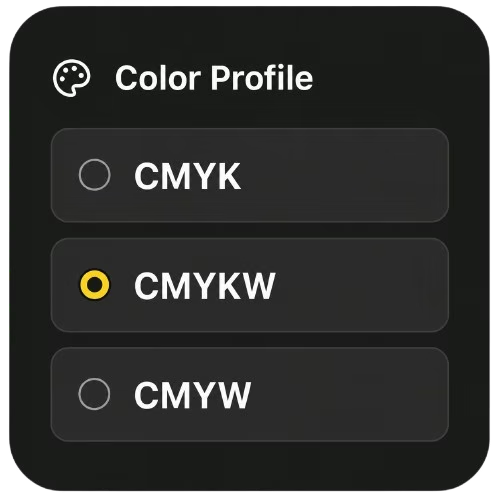
Cyan, magenta, yellow, black — and optional white. Every color between them, planned from a handful of spools.
Process Cyan
Printed color varies with filament, calibration, and lighting.
 Real prints, really photographedUnretouched results, shown next to the original image.
Full Spectrum colorFive filament channels, every color between them.
Real prints, really photographedUnretouched results, shown next to the original image.
Full Spectrum colorFive filament channels, every color between them.
 The Color EngineCMYK-style planning from your actual filaments.
Offline by designLocal-first. No cloud processing of your images.
The Color EngineCMYK-style planning from your actual filaments.
Offline by designLocal-first. No cloud processing of your images.
 Slicer-ready 3MF export3MF is in active testing; STL and OBJ are planned.
 CMYKForge Pro, later PlannedThe planned flagship edition — a long way out, never required.
The same project shown at three stages. The middle image is a labeled software simulation; the final image is the real physical print.
A founder-approved slicer capture for this exact project is not yet available. CMYKForge does not replace the slicer; exported files are opened in compatible slicer software.
CMYKForge Standard is designed around a color-focused generation workflow. The software analyzes image color, prepares CMYK-style material strategies, and helps translate visual information into printable model data for multi-material FDM printers.
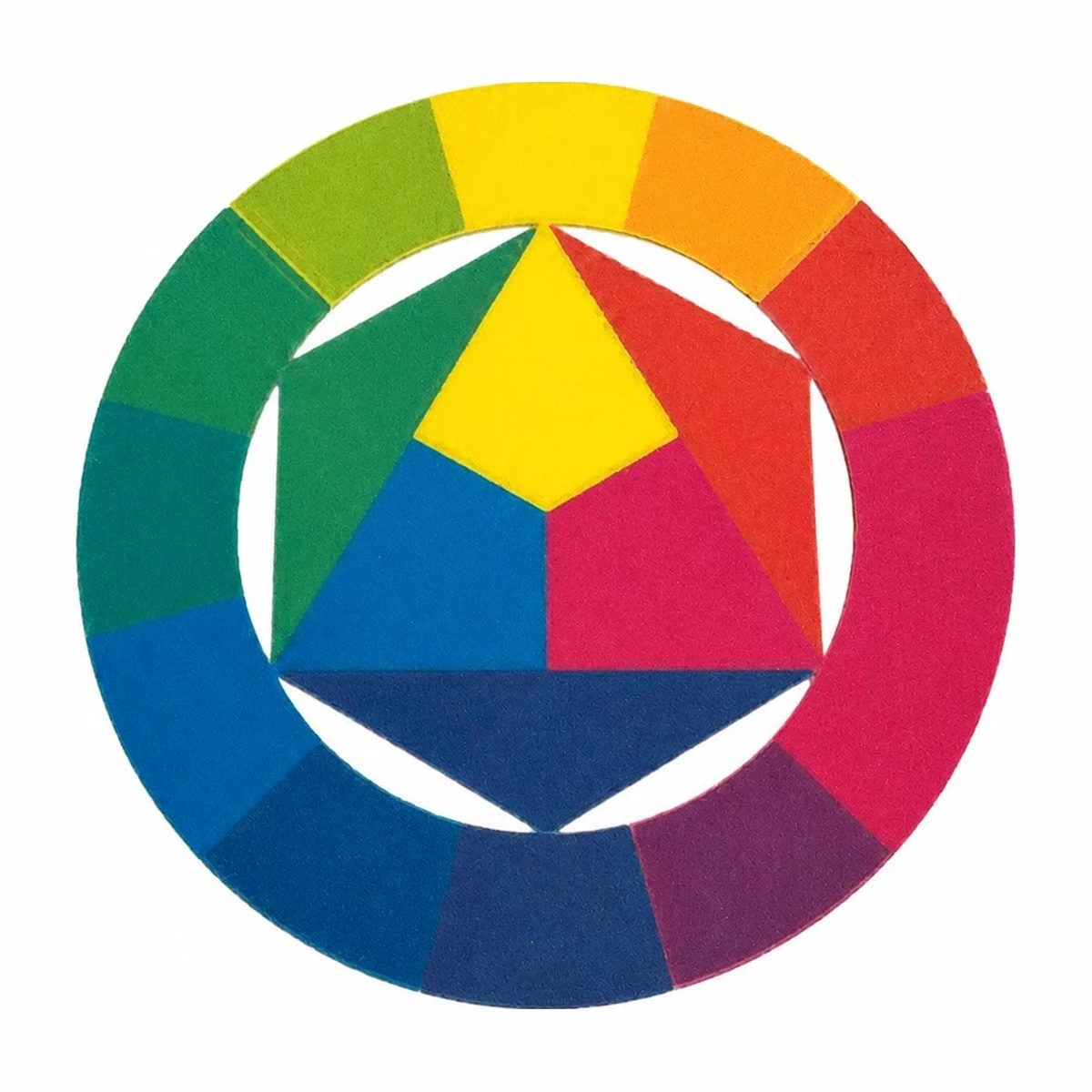
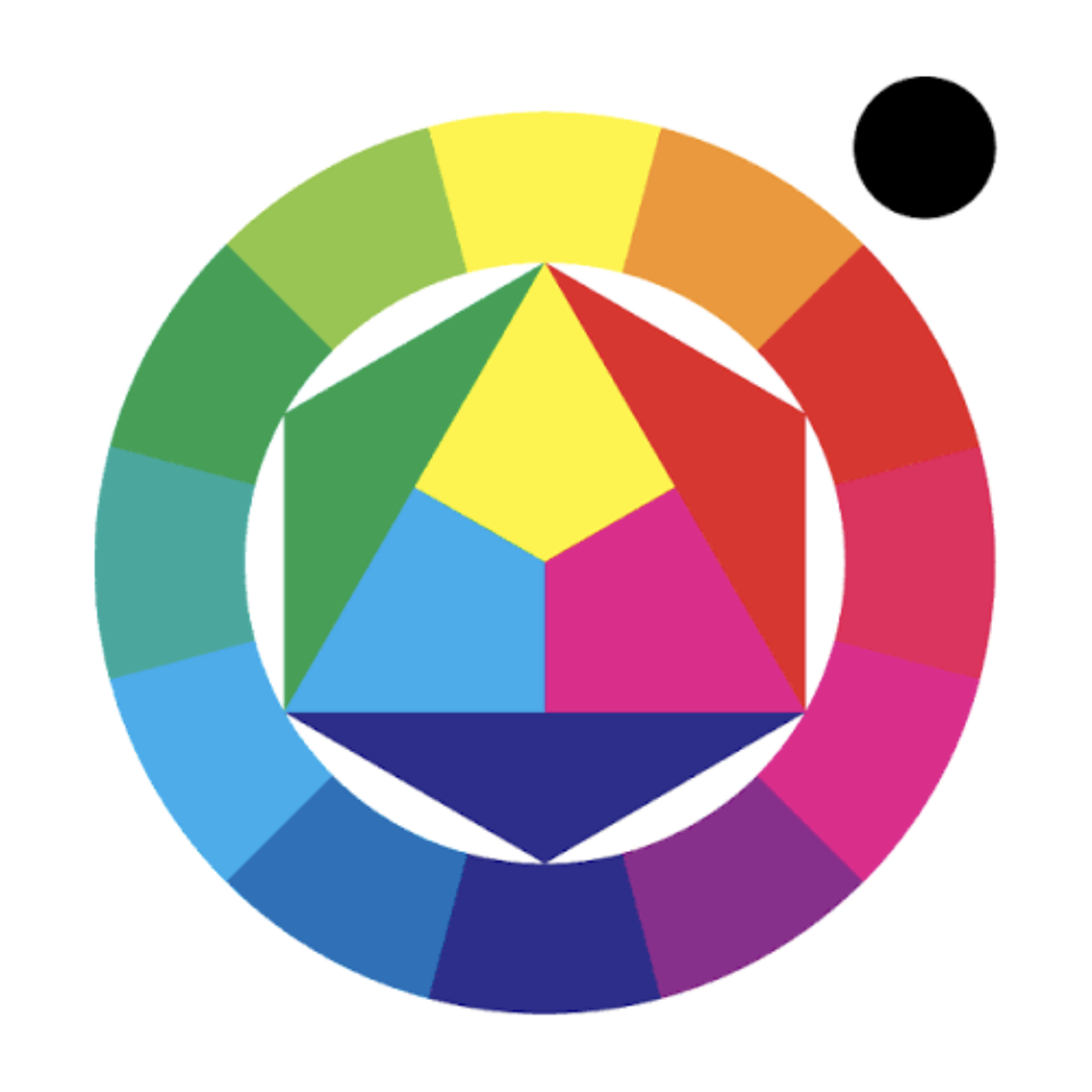
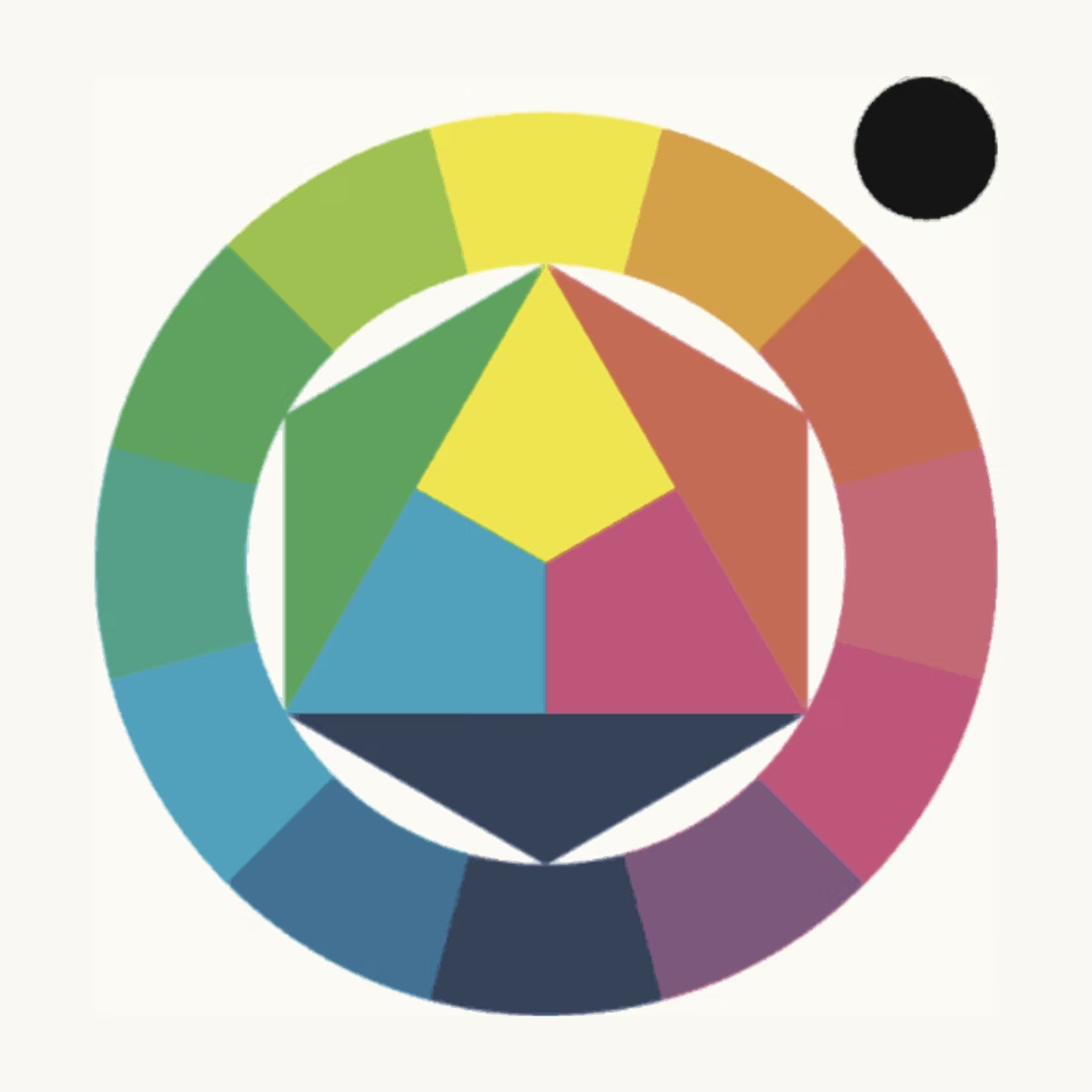
Cyan, magenta, and yellow overlap in planned layers to reach the colors between them — the same principle behind the color wheel. Actual results depend on calibration and filament behavior.
Every color decision is made before the first layer prints.
CMYKForge Standard is more than a visual editor. Under the interface, multiple systems work together to turn an image into a color-aware 3D printable model.
CMYKForge Standard begins by reading the uploaded image and preparing it for color-aware model generation. Before the Color Engine builds a CMYK-style material plan, the Image Analysis System studies the image's color structure, contrast, detail, and visual regions.
This helps CMYKForge understand where smooth gradients, sharp edges, shadows, highlights, and important visual transitions exist so the rest of the workflow can make more informed generation decisions.
Reads the image's visible color regions before CMYK-style material planning begins.
Helps identify edges, fine details, and visual transitions that may affect the generated model.
Looks at shadows, highlights, and tonal separation so the image can be prepared more intelligently.
Prepares image information for the next systems in the CMYKForge Standard workflow.
The Color Engine helps translate image color into cyan, magenta, yellow, black, and optional white material strategies for multi-material FDM printing. It is the system that connects image color, selected filament data, and preview expectations into a color-aware material plan.
The Model Generation System turns CMYKForge's color and image planning into an actual 3D printable structure. After the image has been analyzed and the Color Engine has prepared the material strategy, this system converts that information into layered geometry designed for real multi-material FDM workflows.
This system helps turn color decisions into real model data, preparing the project for slicer-compatible file generation.
The Export & Printability System is the final step in the CMYKForge Standard workflow. After the model has been generated, this system helps prepare the project for slicer-compatible file output, including multi-material 3MF workflows where supported.
This step focuses on making the generated model usable beyond the preview. CMYKForge Standard is designed to help carry the color plan, material layout, and geometry into export-ready files for real FDM printing workflows.
CMYKForge turns the color plan into real geometry — stacked FDM layers that carry your material strategy from the build plate up.
CMYKForge Standard identifies the likely main subject and removes the background before the main generation workflow begins.
The initial selection stays editable. You can manually add areas that should be included or remove areas that should not continue into generation.
This capability is implemented in active development builds, not generally released. Exact behavior may change before beta.
Find the likely main subject in the source image.
Manually add or remove selected areas when the automatic result needs adjustment.
Send the refined subject into the existing image-analysis and generation workflow.
One clear path from a flat image to a color-aware print. Without jumping between disconnected tools.
Start with a photo, artwork, logo, or design.
Read color structure, contrast, and detail.
Build a CMYK-style plan and layered geometry.
Review the expected result before exporting.
Generate a slicer-compatible 3MF file. STL and OBJ are planned for later.
Open the files in your slicer of choice.
Run the multi-material print on your FDM printer.
Color-aware geometry is generated from your image, layer by layer, using the CMYK material plan.
The model, colors, and material layout are packed into a multi-material 3MF file.
Open the exported file in your slicer and send the print to your multi-material FDM printer.
CMYKForge Standard is designed around a local-first workflow. Image preparation, filament profiles, previews, and model generation do not require cloud processing or AI tools.
The Standard generation workflow is designed to run locally, so the images you prepare stay on your machine.
CMYKForge Standard does not depend on cloud AI or local AI models by default.
On-screen previews are identified as simulations and are not presented as photographs of physical prints.
The newsletter is handled separately by Brevo. Read the privacy information for the website’s current data handling.
Everything in the core local-first workflow. From image to slicer-ready file.
Identifies the likely main subject, removes the background, and supports manual addition or removal of selected areas.
Reads color structure, contrast, and detail before model generation.
Plans cyan, magenta, yellow, black, and optional white distributions from image color.
Turns the material plan into layered geometry for multi-material FDM workflows.
Provides a labeled simulation and helps identify fragile or disconnected geometry before export.
Prepares multi-material 3MF output for a separate slicer. STL and OBJ output are planned.
Best suited for printers that can use multiple filament colors.
Designed around cyan, magenta, yellow, black, and optional white workflows.
Generated files are intended to be opened and prepared in slicer software.
Final results depend on printer setup, filament behavior, layer settings, and slicer settings.
A quick reference for what CMYKForge Standard supports today and what is reserved for future versions.
| Workflow Type | CMYKForge Standard Support | Notes |
|---|---|---|
| Image-based color models | Supported | Built around photos, artwork, logos, and designs. |
| CMYK / CMYKW material planning | Supported | Uses cyan, magenta, yellow, black, and optional white workflows. |
| 3MF export | In active testing | Primary export target for multi-material color workflows. |
| STL / OBJ export | Planned | Planned for broader model compatibility, where supported. |
CMYKForge Standard is currently being prepared for a limited beta testing group. Early users will help test real image workflows, export reliability, preview accuracy, slicer compatibility, and printability across different printer and filament setups.
A limited first testing group is planned.
Quick answers about CMYKForge Standard, the workflow, and future product plans.
On-screen previews are labeled as simulations, never passed off as photographs. Read the approach.
The Standard workflow is designed around local use, so project images stay on the user’s machine.
“Current” means implemented in active development builds, not generally released. Exact behavior and compatibility may still change before launch.
Local-first subject isolation and manual refinement, CMYK/CMYKW processing, optical blending, filament calibration, LAB and Delta-E color optimization, preview simulation, printability checks, and model generation.
Preview accuracy, 3MF export, slicer interoperability, print reliability, and end-to-end workflow clarity on varied hardware and filament profiles.
STL/OBJ export, Pro and Business editions, and separately offered optional AI guidance. No planned AI feature is required for Standard.
The local-first, non-AI core color workflow — in active development.
The planned flagship edition, with optional local AI assistance — a long way out. Details will be announced later.
See the full planned CMYKForge family and the release roadmap.
Back the active campaign, review the physical output, or follow development as export and compatibility testing continue.