Core color workflow
Subject isolation with manual refinement, CMYK/CMYKW processing, optical blending, filament profiles, LAB comparison, Delta-E optimization, preview simulation, and model generation.
Full Spectrum CMYK for Multi-Material FDM
More colors than filament.
CMYKForge converts images into calibrated CMYK material distributions designed to reproduce more perceived colors from a limited filament set.
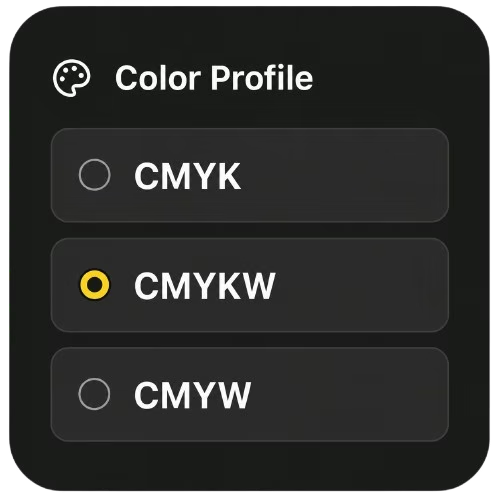
CMYK and optional white workflows. CMYKForge Standard is currently in active development.
 Original
Real print
Original
Real print
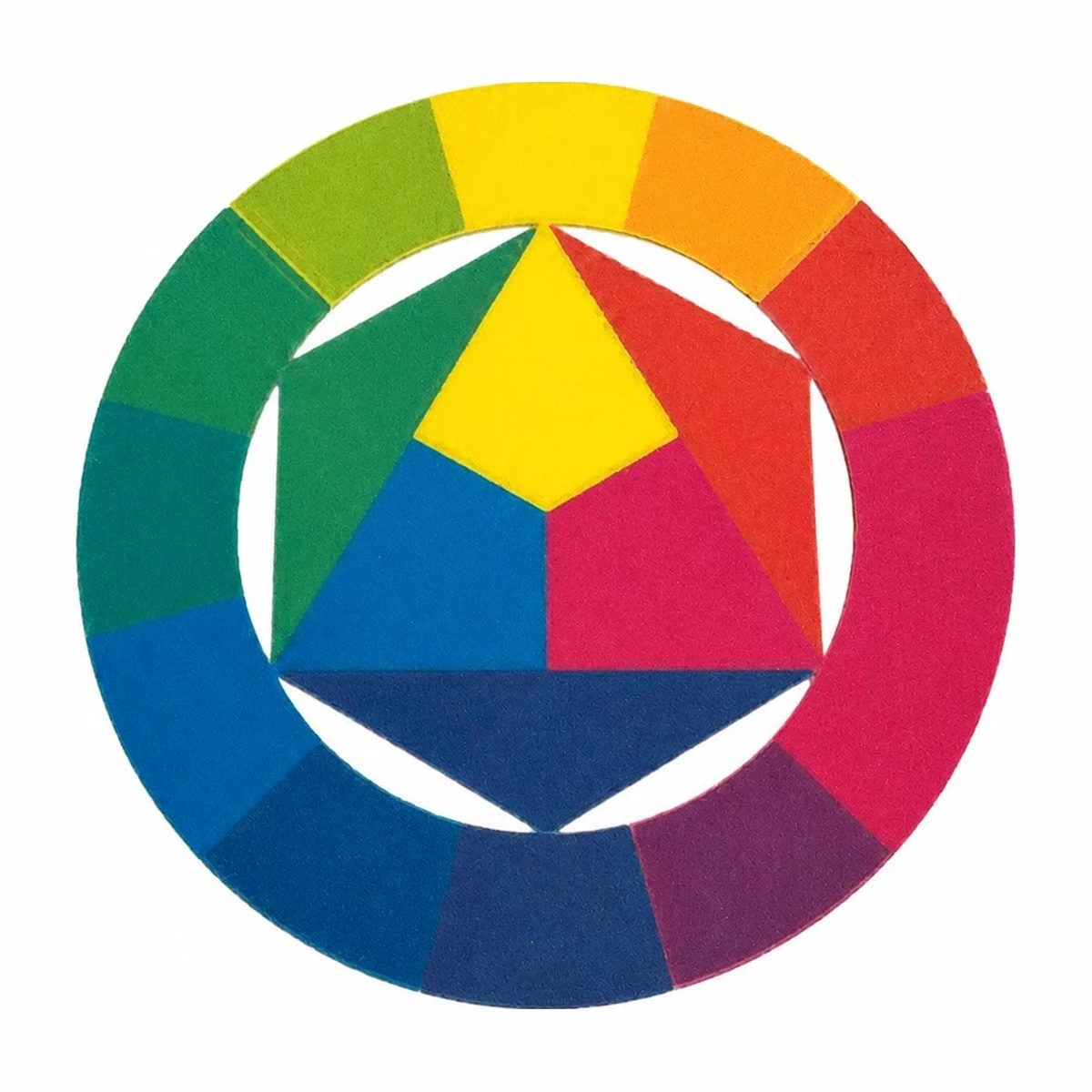
Evidence 01 Drag to compare the source image with a real print of the same project. Results depend on calibration and filament.
Three honest checkpoints: the supplied source artwork, a labeled software preview, and the real physical print.
The supplied artwork establishes the color and geometry CMYKForge is trying to reproduce.
The preview is a software simulation, not a photograph or a promise of exact printed color.
This is the real printed object from the same project. Calibration, filament, layer settings, and lighting still matter.
CMYKForge Standard is working software in active development; public beta access is not open yet.
Subject isolation with manual refinement, CMYK/CMYKW processing, optical blending, filament profiles, LAB comparison, Delta-E optimization, preview simulation, and model generation.
Preview accuracy, 3MF export reliability, slicer compatibility, printability, and workflow clarity across real printers and filaments.
Broader STL/OBJ export, advanced editions, and optional AI assistance. None are required for Standard or presented as available today.
Most image-based color printing is trial and error: loaded filaments, slicer behavior, translucency, and calibration all change the result after you hit print.
CMYKForge moves those decisions to the start. It analyzes your image, plans a CMYK-style material strategy around your actual filaments, generates a color-aware model, and exports slicer-ready files.
A limited set of filaments becomes a full spectrum of color — planned, previewed, and prepared before the first layer prints.
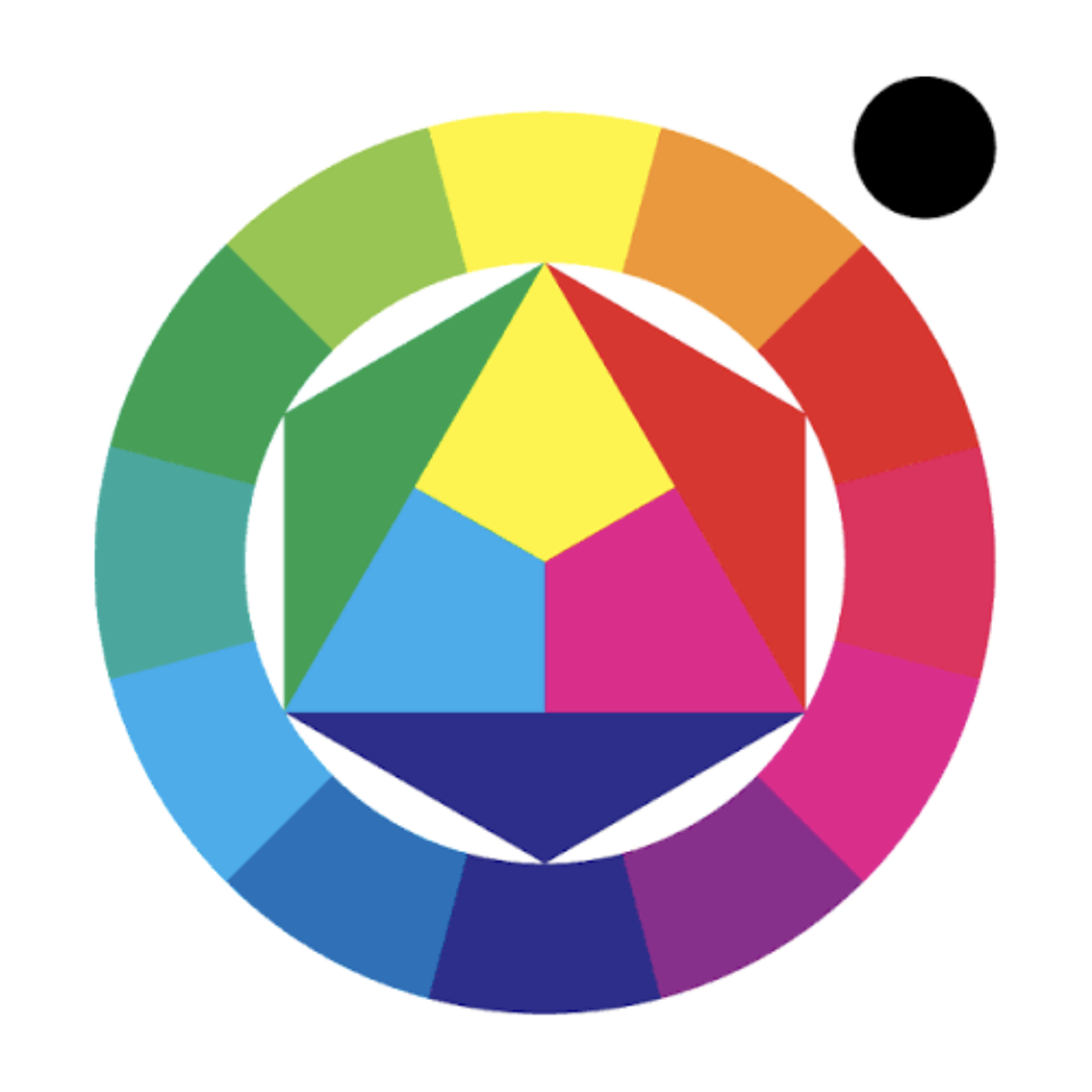
CMYKForge reads your image and splits it into cyan, magenta, yellow, and key channels — the raw ingredients of a wider printable color range.
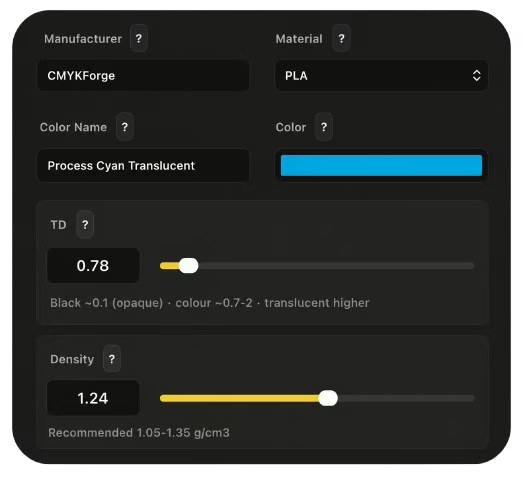
Each channel is planned around the real materials you’ve loaded, using their transmission distance and hex values.
The channels converge into a single color-aware model, ready for multi-material FDM printing.
The print comparison at the top of this page is real. Every example follows the same repeatable process before it appears on this site.
Physical examples come off a real multi-material FDM printer. Nothing is staged or simulated.
Generated files are opened and prepared in standard slicer software before printing, the same way you would.
Each filament is described by its transmission distance and hex color, so plans reflect the actual material.
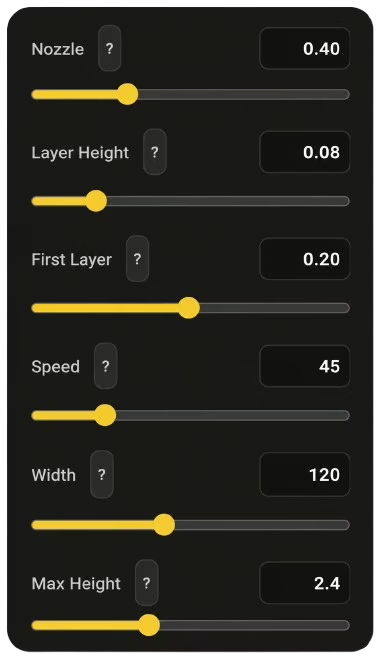
Printers are calibrated before comparison prints. Color depends on calibration, layer height, and material behavior.
Printed color is never guaranteed to match a screen. These examples show expected behavior, not a promise of exact reproduction.
CMYKForge Standard delivers the core local workflow without requiring local or cloud AI. Future editions may add optional AI assistance, but image preparation, color planning, model generation, previewing, and export remain part of the independent CMYKForge foundation.
The local-first version does not include cloud AI or local AI by default.
Image analysis, color planning, model generation, previewing, and export stay on your machine.
Future AI editions may be offered separately for extra guidance.
Quick answers about CMYKForge Standard, the workflow, and future product plans.
The campaign is live. Back CMYKForge on Kickstarter to support development — a new way to 3D print images.
Follow development updates, print tests, beta news, and behind-the-scenes progress.
See the newest development updates, feature previews, print results, and announcements from the CMYKForge YouTube channel.
Back the active campaign, review the real output, or follow the public development log.